
Cracked Screen: Repair Now or Wait? Expert Advice
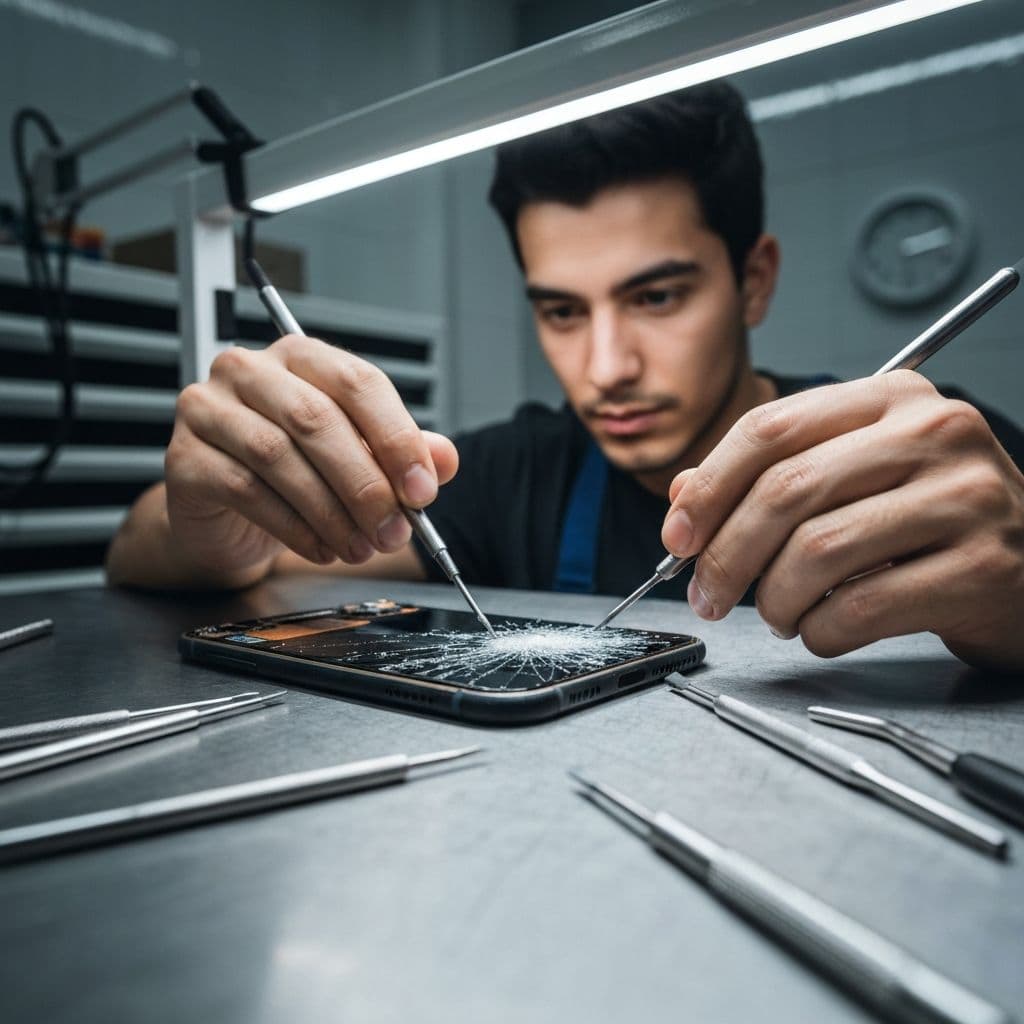
That tiny crack in the corner of your screen might not seem like a big deal, but waiting to repair it can lead to bigger, more expensive problems. Here's what every phone owner should know about cracked screens.
Why a Small Crack Gets Worse
Glass under tension spreads. A hairline crack today can web across your entire display after one more drop—or even a temperature swing. Once the crack reaches the digitizer layer, your touch response starts failing.
The Hidden Dangers of a Cracked Screen
Beyond looks, a cracked screen exposes the internals to dust and moisture, can cut your fingers, and lets light leak that damages the LCD. Sharp glass shards can also worsen over time, making a simple glass-only repair impossible.
Repair Cost vs. Waiting
When only the outer glass is cracked, repairs are fast and affordable. Wait too long and the damage reaches the LCD or OLED panel underneath, often doubling the repair cost. Fixing early almost always saves you money.
Can You Use a Phone With a Cracked Screen?
You can, but you shouldn't for long. Dead touch zones, ghost touches, and display lines are all signs the damage is spreading. If your screen flickers or shows black spots, repair it immediately.
Professional Repair vs. DIY Kits
DIY kits are tempting but risky—improper handling can damage the frame, battery, or Face ID components. Our certified technicians use quality parts and back every screen repair with a 30-day warranty.
Conclusion
Don't let a small crack turn into a big bill. Bring your device to Gators Repair in Starkville or Philadelphia for a same-day screen repair and get back to a flawless display.
Need Professional Help?
If your device needs expert repair, visit us at either of our Mississippi locations. We offer same-day service, 30-day warranty, and the most competitive prices in the state.