 Gators Repair
Gators · Starkville, Mississippi
Tech repair in Starkville by symptom
You can request a repair even if you do not know which part failed. Start with what the device actually does, then follow the guide that matches your equipment.
What happens when you try to use it?
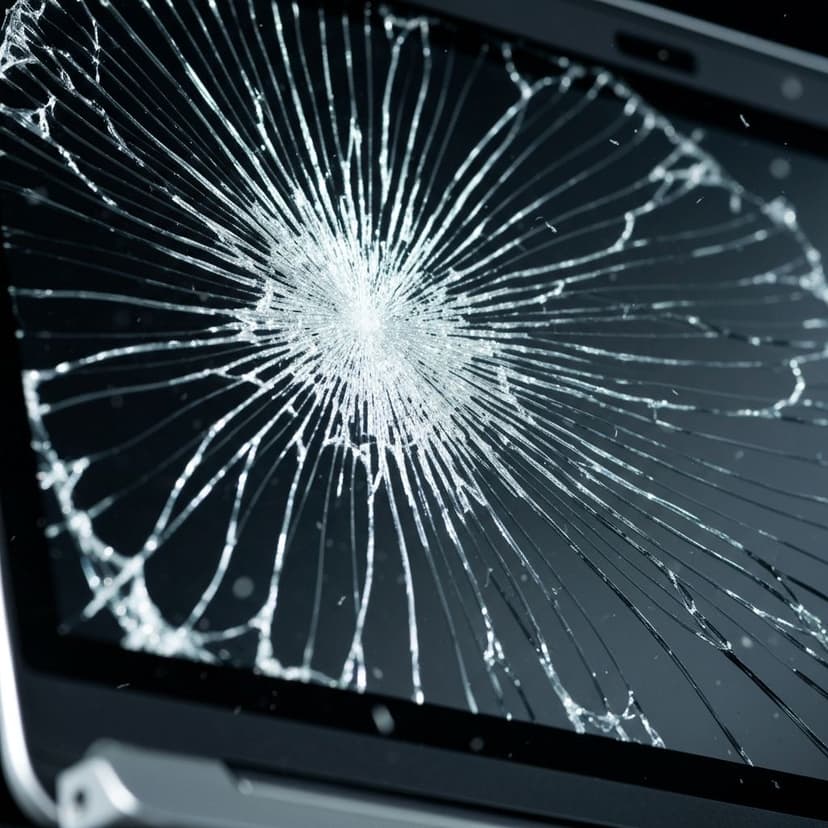
It turns on, but the screen is blank
Does it ring, vibrate, play a startup sound, or show a power light? For a phone or tablet, describe what happens when a call or notification arrives. For a console connected to a TV, tell us whether the TV shows its own “No signal” message.
It powers up briefly or only works plugged in
Record which charging cable or power adapter you normally use, whether a charging indicator appears, and how soon it shuts off. If a laptop behaves differently with the charger attached, bring the adapter with it.
It starts, then freezes, restarts, or runs slowly
Write down what you were doing when it stopped and whether it happens with one application or everything. Include the exact error text or a photo. For a desktop, mention recent changes to memory, storage, or the graphics card.
A drop or spill happened first
Note when it happened and what stopped working immediately afterward. If a device is still wet, keep it unplugged and powered off. Describe visible damage and tell the technician if preserving photos or files is your first priority.
Before you come in
What if the issue comes and goes?
Capture a photo or a short video when it happens. Note whether the device was plugged in, on battery, connected to a display, or using a particular application. Bring those details even if it works at the counter.
How can I get a quote if I do not know the model?
Call the Starkville counter at (662) 323-4900 or bring the device to 915 Louisville St. If available, a box or purchase receipt can help us identify the exact model before discussing parts.